2. Navigation
How to move around and manage your material:
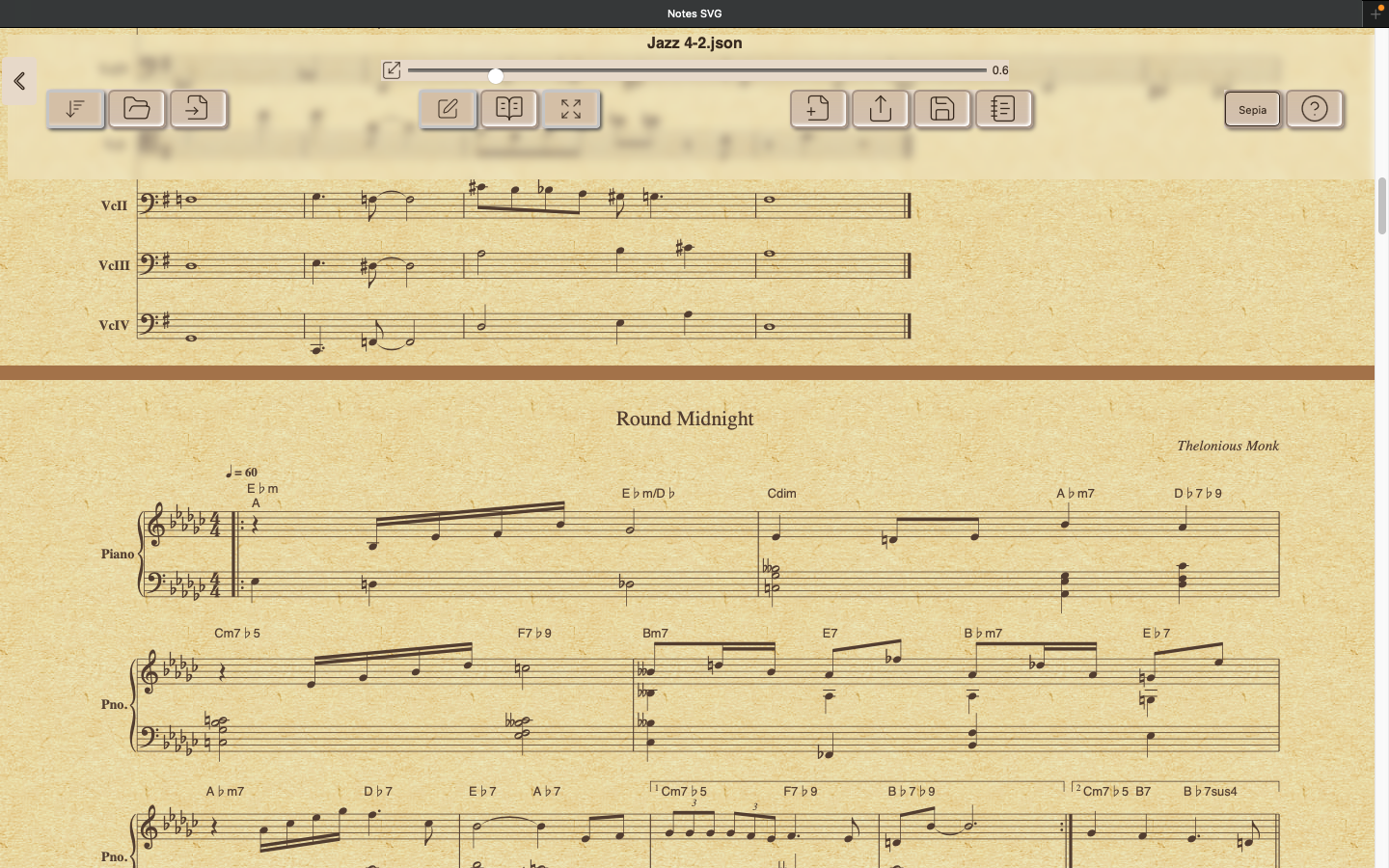
Scroll and filter modes
In Reader mode, all scores are displayed in a continuous scroll, each with its transposition already applied. Navigation is touch- or mouse-based: tapping the lower left corner scrolls forward (Page Down), lower right scrolls backward (Page Up), upper left jumps to the end, and upper right returns to the beginning. From the menu you can use these tools:
The current scale, which ranges from 0.1× to 2.0× and is adjustable via the control bar.
Activating Free Flow ignores line breaks, reformatting each score to fit.
The Filter function in Reader mode searches only titles and composers (ignoring tags); when active, entering a keyword shows suggested matches, which can be clicked to apply as filters.
Page Mode displays one A4 page at a time with transposition, filtering, and scaling applied. Its menu, hidden by default, appears when tapping or clicking the center bottom edge. Available controls include page forward/back, score forward/back, a book navigation slider, and an exit button to return to Reader mode.
File management (import/export)
Open a book file (.json) including its scores
Import a single score, as an .abc file
Save the current book as a single .json file
Export the current book as a single Markdown file (only on desktop PC)